Project Afternight Tools
Keybind maps, modifier checklists, and the settings profile we actually recommend.
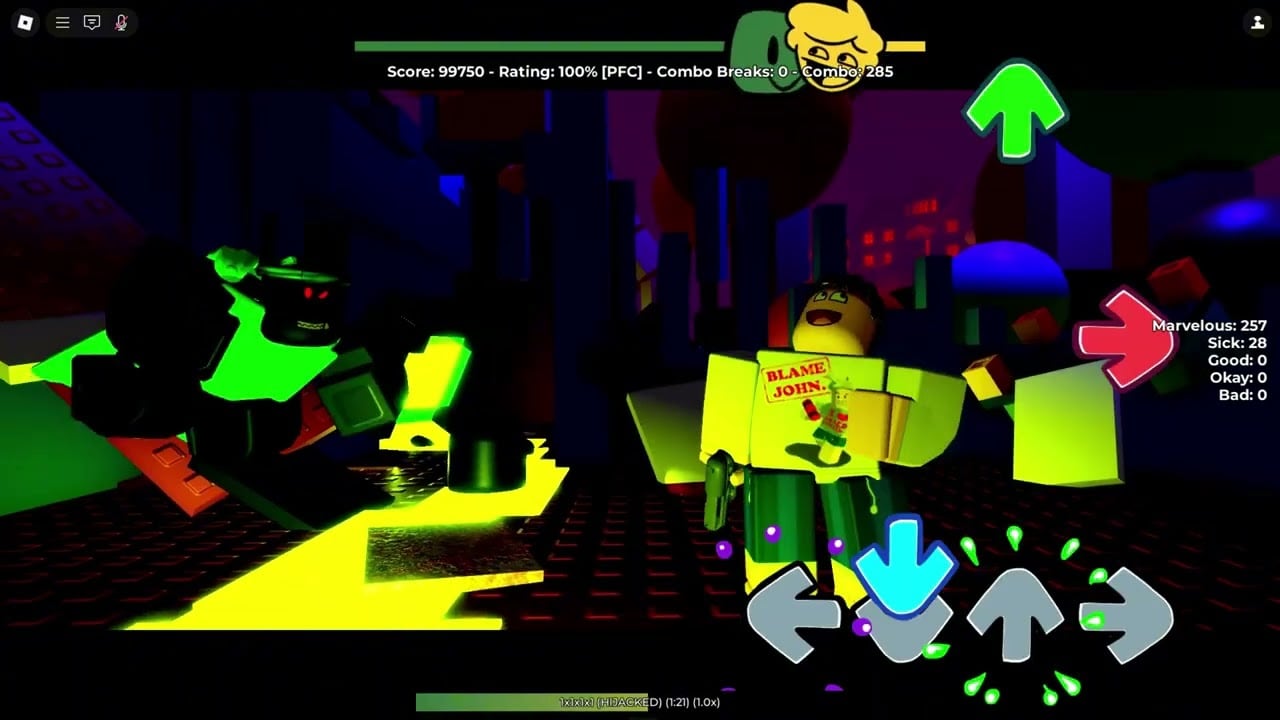
PAFN does not need a damage calculator. It needs binds you can hit and modifiers you meant to turn on. This hub points at those two tools: keybinds and modifiers. Settings sliders that are not binds live on settings.
Why a tools section exists
Players search “Project Afternight keybinds” after a 9-key Shaggy file ruins their evening. They search “Fade In Fade Out badge” after seeing Where’d They Go? on the Roblox page. Those queries are tools queries. Guides teach the play loop; tools are the tables you keep open on a second monitor.
If you wanted a script instead, that is the scripts hub, not here. If you wanted a code box, that still does not exist — codes.
Recommended settings profile (steal this)
Copy these, then deviate:
- Scroll direction = your PC FNF default.
- Note speed = readable on Easy, not impressive on Discord.
- Hitsounds on, low.
- Flashes and shake down.
- Splashes off until the PC is bored.
- Camera movement off for FC attempts.
- Accuracy + combo + combo breaks visible.
- 4K binds saved; extra-key rows filled before you open those songs.
- Official bot costume set if you practice alone.
That profile is also written in prose on settings. This hub exists so you do not have to hunt the paragraph.
Child tools
Keybinds — 4K defaults, extra-key reality, mobile caveats, and why 18-key is a seven-finger horror story.
Modifiers — Fade In/Out, Inverse Notes, randomize stacks, badge recipes, and what still counts for shop toasts.
Badges — Welcome, Where’d They Go?, Randomizer, and how those Roblox trophies differ from shop tags.
Use them with controls (island versus chart) and accuracy and FC (what the numbers mean).
What we will not fake
There is no official offset wizard, no licensed chart viewer, and no third-party “PAFN calculator” we trust. Community customization templates (combo numbers, icons) are linked conceptually from custom icons and the settings video description. We will not hotlink a random .exe skin tool.
Bloxstrap is a launcher, listed under settings, not a PAFN tool we host.
After a patch
If Eye of Corruption emptied a bind row, re-enter it here in spirit: open Keybinds, fill 4K, screenshot. If a new modifier appears, it will land on the modifiers page once we see it in-client. Updates.
Open the child page that matches the query. Then go play the song. Tools that become a third hobby are how people never FC Tutorial.
Frequently Asked Questions
Quick answers to the most common questions.
Where do I rebind keys?
In-game Settings → Keybinds. Table and extra keys: keybinds.
Where are badge modifier stacks?
Modifiers. Shop rules still apply on how rewards work.
Is there an autoplay tool here?
No. Scripts are isolated on the scripts hub.
Does Bloxstrap belong here?
It is a launcher. Mentioned in settings, not as a hosted tool.